Easily Integrate
Ducky's API using Konfig's TypeScript SDK
Growing API Companies trust Konfig's SDKs to onboard developers to their API.





First, instantiate the SDK
It only takes a few lines of code.
Then, send your first request
We made it really easy.
Enjoy a buttery smooth developer experience with 22 SDK methods
Parameter
Data Source to use for calculation
Format output based on a custom mapping
You can choose to use data from any date for which we have data in our database. If you do not submit a date, the current (and thereby the most updated data) will be used. Must be of format 'yyyy-mm-dd'
Response
Consumption for each transaction.
Endpoint
Parameter
Data Source to use for calculation
You can choose to use data from any date for which we have data in our database. If you do not submit a date, the current (and thereby the most updated data) will be used. Must be of format 'yyyy-mm-dd'
Response
Endpoint
Parameter
Data Source to use for calculation
Categories to include in response
Include subcategories
Is the footprint for an individual or a household
Prevent rounding of percentages
You can choose to use data from any date for which we have data in our database. If you do not submit a date, the current (and thereby the most updated data) will be used. Must be of format 'yyyy-mm-dd'
Response
Endpoint
Parameter
Region of the requested data set
You can choose to use data from any date for which we have data in our database. If you do not submit a date, the current (and thereby the most updated data) will be used. Must be of format 'yyyy-mm-dd'.
We provide historical data only for the values of the returned indicators.
See detailed user documentation here Please note that some indicators have "static" values and do not support historical data.
Language of the text returned
Order the results using the specified attribute. The attributes of type "indicator" (co2, points, moneySaved) are sorted by descending order. The attributes of type "investment" (financialCost, timeRequirement, socialDifficulty) are sorted by ascending order.
Choose whether the legacy tipID should be outputted.
Choose whether to ignore tips that would produce a zero or negative impact in terms of CO2 footprint. Such cases will happen if a user already has good habits on some area, and the tip concerns improving behaviour exactly on this subject, but to a lesser extent than the user is already doing. Tips where this is the case are by default removed to avoid crowding the output with tips that are not helpful.
Response
Endpoint
Parameter
Response
Endpoint
Parameter
Response
Endpoint
How Konfig Works
Konfig collects APIs and automatically generates SDKs so you can focus on building your application.
Konfig maintains the highest quality collection of OpenAPI Specifications on the internet in a GitHub repository
We pull OpenAPI Specifications from public sources, fix any errors, and make sure they pass our lint rules. We continually make sure the repository is up-to-date and collect up-time and response time metrics for every API.
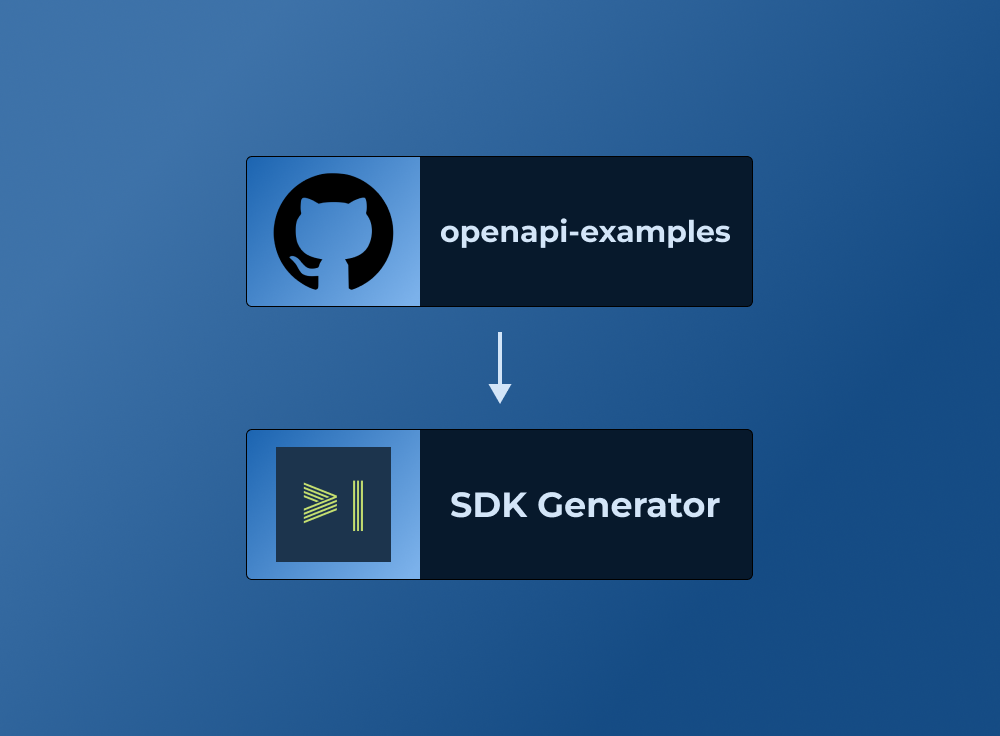
Generates AI-Augmented SDKs from openapi-examples
Our SDK generator is trusted by growing API companies and goes through a rigorous testing process to ensure the generated SDKs are high-quality and easy to use.
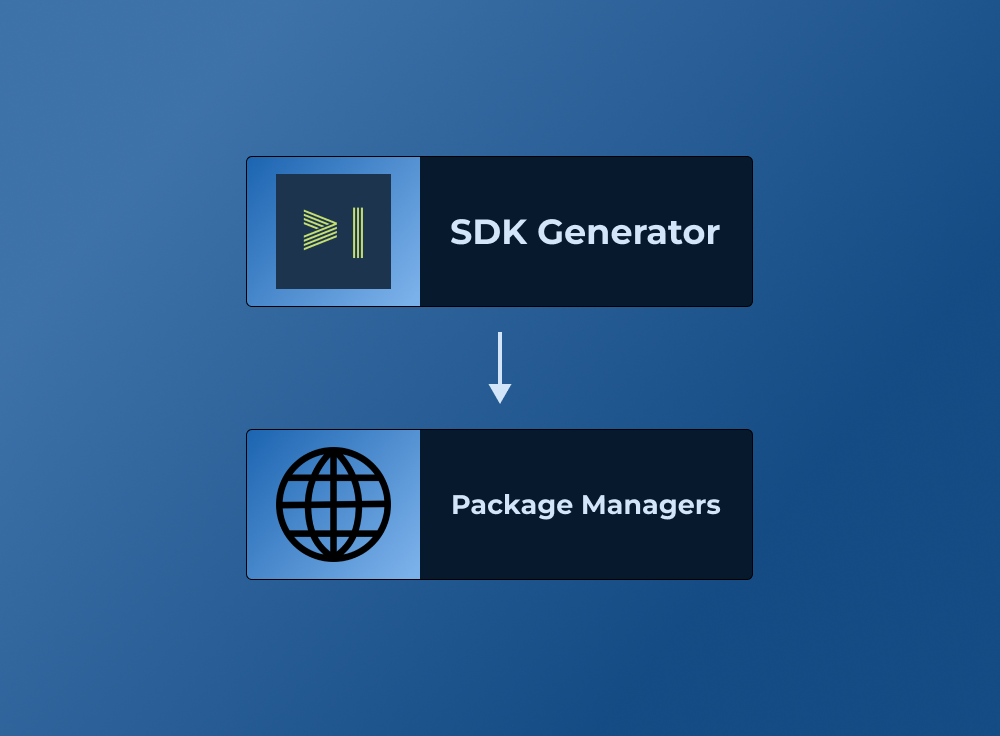
Publishes to standard package managers
We publish to standard package managers like npm, PyPI, and Maven so you can easily integrate the SDK into your application.

About Ducky
Hello there! 👋🏼 We're Ducky, climate enthusiasts passionate about steering the world towards data-driven climate action. We empower YOU to seamlessly track, reduce, and report your climate emissions with our intuitive software solutions. 💪🏼 So far, we've assisted over 300 organisations and 90,000 individuals worldwide in becoming more sustainable – and we'd love to help you, too! Would any of our solutions be suitable for you?👇🏽 🌍 Seamless Climate Reporting: Initiate climate reporting easily, quickly, and at an affordable price! Our platform automates climate reporting according to all requirements, ensuring excellent results with just a few clicks and a user-friendly interface. 🚲 Holistic Mobility Data: In collaboration with Telia, we provide data to assist mobility planners and property developers in transitioning to a sustainable mobility system in your city. Track travel patterns and measure the climate impact of changes over time. 🌱 Climate Campaign Manager: Turn climate actions into a fun, team-building, and engaging process. Set up educational climate challenges within your company and foster a culture where climate action feels like a shared responsibility. 🎯 We focus on consumption-based carbon emissions. 🦆 Our team comprises 18 dedicated climate enthusiasts. 📍 We have offices in Trondheim and Oslo. 💬 Get in touch with us via DM or through our website: www.ducky.eco